Word Fair1.13
Publisher Description
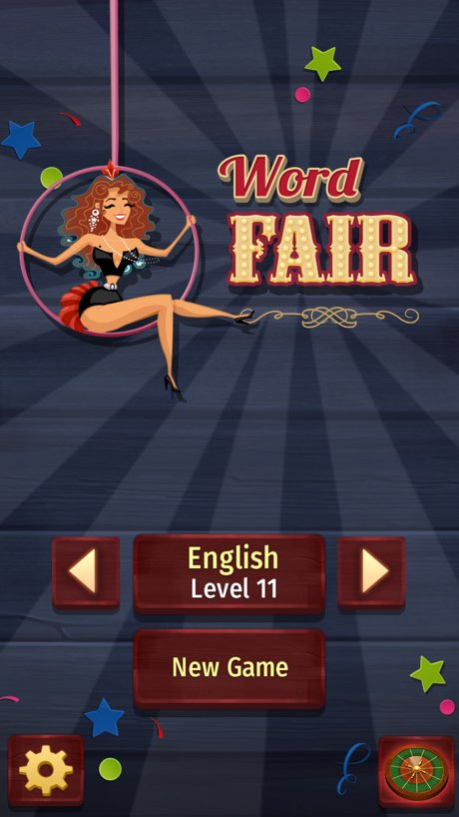


Word Fair - fascinating mix of word search and crossword games.
Connect the letters to make a correct word. Upon solving one word, you open another letter, gradually unravelling the entire puzzle. Can you solve all the words?
+ 19 languages - English Español Deutsch Français Nederlands Italiano Русский Português Svensk Dansk Norsk Polski Ελληνικά Čeština Lietuvių Latvian Magyar Român Български
+ More than 1000 levels
+ Terrific way to improve your vocabulary
+ Ability to switch between many different languages and return to the languages you played before without losing your progress
Version History + Various minor bug fixes and improvements 1.13 05/25/2018 + Minor bug fixes 1.12 02/22/2018 Minor bug fixes and improvements 1.11 01/12/2018 Minor bug fixes and improvements 1.1 12/30/2017 1.0 12/21/2017
About Word Fair
The company that develops Word Fair is Dekovir, Inc.. The latest version released by its developer is 1.13.
To install Word Fair on your iOS device, just click the green Continue To App button above to start the installation process. The app is listed on our website since 2026-10-14 and was downloaded 0 times. We have already checked if the download link is safe, however for your own protection we recommend that you scan the downloaded app with your antivirus. Your antivirus may detect the Word Fair as malware if the download link is broken.
How to install Word Fair on your iOS device:
- Click on the Continue To App button on our website. This will redirect you to the App Store.
- Once the Word Fair is shown in the iTunes listing of your iOS device, you can start its download and installation. Tap on the GET button to the right of the app to start downloading it.
- If you are not logged-in the iOS appstore app, you'll be prompted for your your Apple ID and/or password.
- After Word Fair is downloaded, you'll see an INSTALL button to the right. Tap on it to start the actual installation of the iOS app.
- Once installation is finished you can tap on the OPEN button to start it. Its icon will also be added to your device home screen.
Program Details
System requirements
Download information
Pricing
Version History
version 1.13
posted on 2026-10-14
Version History + Various minor bug fixes and improvements 1.13 05/25/2018 + Minor bug fixes 1.12 02/22/2018 Minor bug fixes and improvements 1.11 01/12/2018 Minor bug fixes and improvements 1.1 12/30/2017 1.0 12/21/2017
version 1.13
posted on 2026-09-05
Version History This app has been updated by Apple to prepare for watchOS 27 compatibility. No new features are included.
+ Various minor bug fixes and improvements 1.13 05/25/2018 + Minor bug fixes 1.12 02/22/2018 Minor bug fixes and improvements 1.11 01/12/2018 Minor bug fixes and improvements 1.1 12/30/2017 1.0 12/21/2017
version 1.13
posted on 2026-08-26
Version History This update from Apple will improve the functionality of this app. No new features are included.
+ Various minor bug fixes and improvements 1.13 05/25/2018 + Minor bug fixes 1.12 02/22/2018 Minor bug fixes and improvements 1.11 01/12/2018 Minor bug fixes and improvements 1.1 12/30/2017 1.0 12/21/2017
version 1.13
posted on 2018-05-25
This app has been updated by Apple to display the Apple Watch app icon.
+ Various minor bug fixes and improvements
version 1.13
posted on 2018-05-25
May 25, 2018 Version 1.13
This app has been updated by Apple to display the Apple Watch app icon.
+ Various minor bug fixes and improvements
